OpenVPN
Established VPN protocol
GRAVITON VPN FOR ANDROID
Graviton VPN is a fast and secure VPN for Android, designed to add an encrypted layer of protection to your connection on public Wi-Fi, mobile data and everyday networks.
THE FORCE BEHIND THE NAME
The falling apple became a simple way to understand a force we cannot see.
One tap. A clear connection status. No complicated setup.
MEET GRAVITON
One tap protection.
SIMPLE BY DESIGN
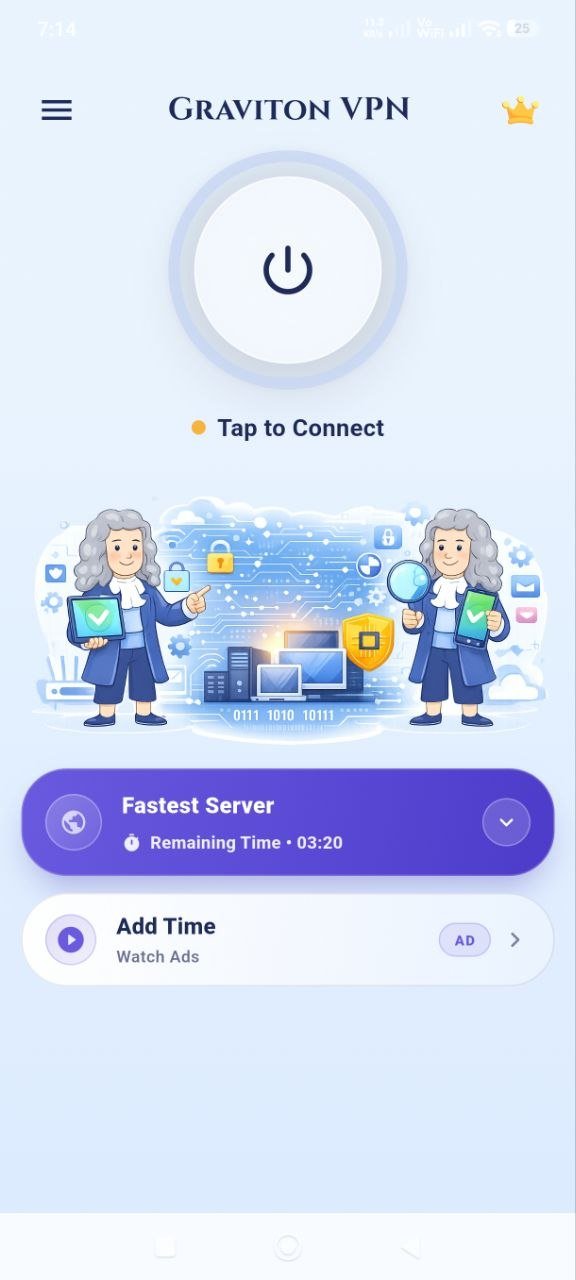
Graviton VPN is an Android VPN app developed by Gravitas Softwares & Innovations Pvt. Ltd. Choose an available server location, tap Connect and Graviton establishes an encrypted VPN connection between your Android device and the selected VPN server.
Select an available VPN server location.
Start your VPN connection with one clear action.
Graviton clearly shows the current VPN connection state.
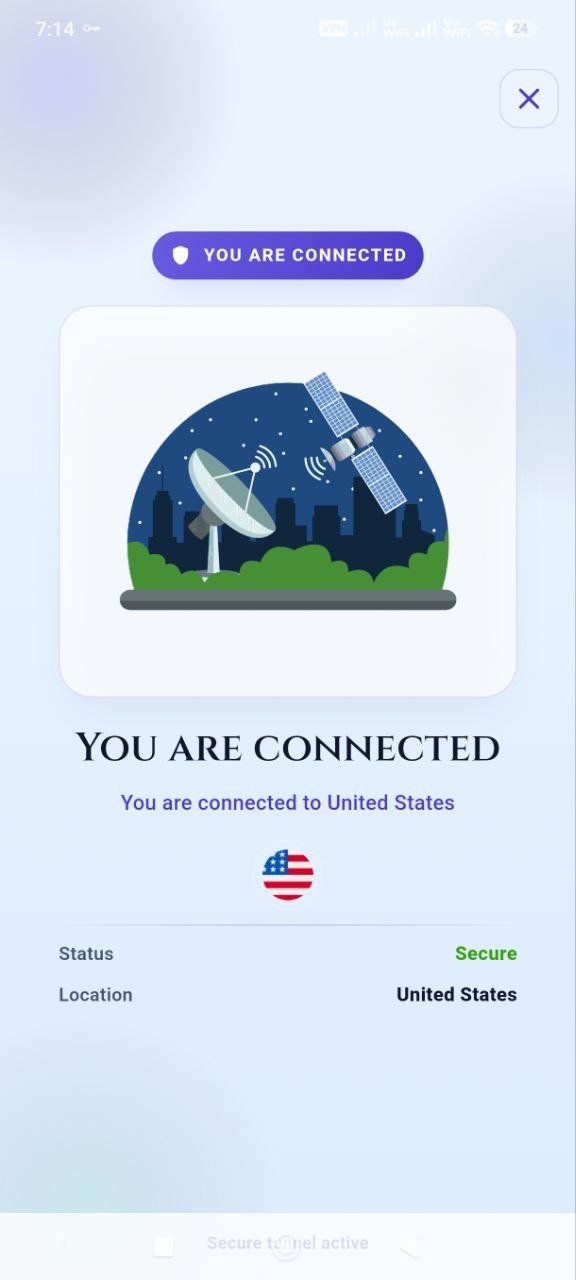
One tap · verified connection state
PUBLIC WI-FI PROTECTION
Airports. Hotels. Cafés. Universities. Workspaces.
Shared Wi-Fi can expose your connection to risks from other devices and network infrastructure around you.
When Graviton is active, your traffic travels between your Android device and the VPN server through an encrypted VPN connection, adding another layer of protection while you're connected.
An extra layer of protection when you're away from home.THE CONNECTION
Graviton establishes an encrypted VPN tunnel between your Android device and the selected VPN server. Data sent through the active VPN connection is protected while traveling between those two endpoints.
A VPN can improve connection privacy and security, but no VPN can guarantee complete anonymity online.
THE TECHNOLOGY
Graviton uses the OpenVPN protocol to establish its VPN connection. Behind the simple Connect button is a secure VPN tunnel designed to carry traffic between your device and the selected server.
Established VPN protocol
Protection between device and VPN endpoint
Built for responsive VPN connections
Security negotiated by the OpenVPN connection
CHOOSE YOUR ROUTE
Choose from Graviton's available VPN server locations and find the route that works for your connection.
Server locations and availability may vary.
VERIFIED APP ROUTES
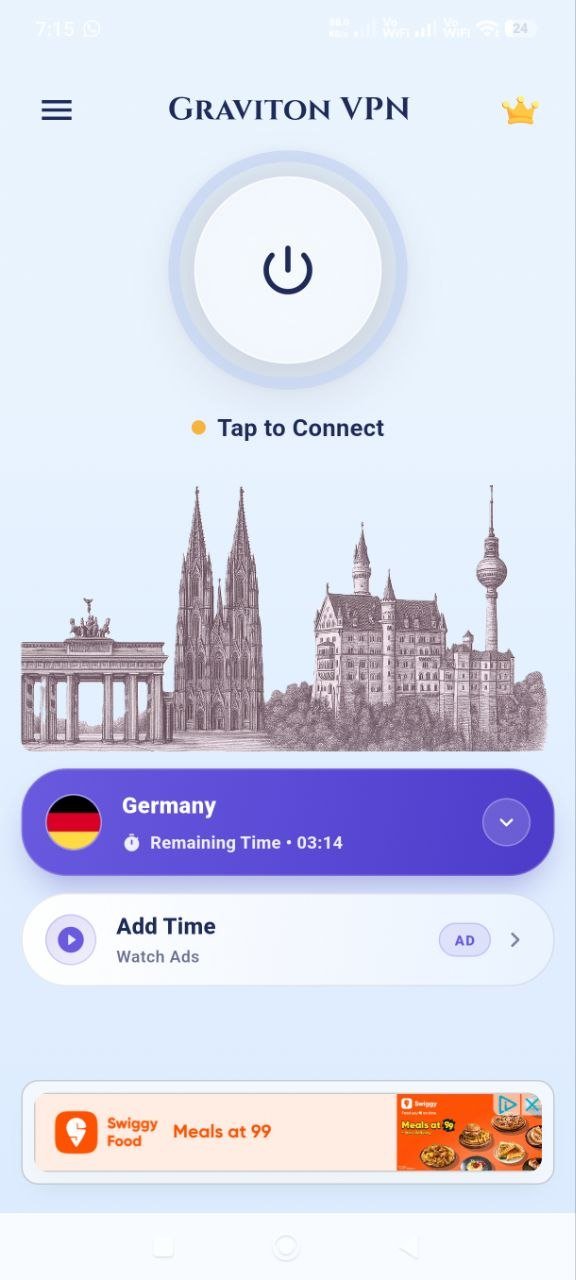
The app pairs each available country with its own illustrated monument scene. Choose a verified example to preview the current in-app treatment.
WHEREVER YOU CONNECT
PUBLIC WI-FI
Add an encrypted VPN connection while using Wi-Fi at cafés, airports, hotels and other shared locations.
MOBILE DATA
Graviton can also establish its VPN connection while your Android device is using supported mobile-data networks.
HOME
Connect whenever you want an encrypted VPN connection on your everyday network.
Graviton is designed around a simple idea: VPN protection should be easy to understand and quick to use.
CLEAR BY DESIGN
Graviton creates a VPN connection between your Android device and the server you select.
We believe privacy and security products should explain what they do in straightforward language rather than depend on vague promises.
THE DEVELOPER
Graviton VPN is developed by Gravitas Softwares & Innovations Pvt. Ltd.
We build digital products designed to make useful technology simpler and easier to use.
QUESTIONS, ANSWERED
Graviton VPN is an Android VPN app developed by Gravitas Softwares & Innovations Pvt. Ltd. It creates an encrypted VPN connection between your Android device and a VPN server.
Yes. Graviton VPN is available for supported Android devices through Google Play.
Graviton VPN uses the OpenVPN protocol to establish its VPN connection.
Yes. Graviton can be used while connected to public and shared Wi-Fi networks such as those found in cafés, airports, hotels and other shared locations.
Graviton can establish a VPN connection while an Android device is using supported Wi-Fi or mobile-data networks.
Open Graviton VPN, select an available server location and tap Connect. The app displays the current status of the VPN connection.
No. A VPN can improve connection privacy and security, but no VPN can guarantee complete anonymity online.
Graviton offers Premium options through Google Play. Available Premium features can include an ad-free experience and access to additional server options, depending on the current plan.
Graviton VPN is developed by Gravitas Softwares & Innovations Pvt. Ltd.
Graviton VPN can be downloaded from Google Play for supported Android devices.
GRAVITON VPN
Fast, straightforward VPN protection for Android.
Graviton VPN · Android · OpenVPN